

Ok, I pimped my terminal with oh-my-zsh and Powerlevel10k. Then I realized that my Visual Studio Code for macOS runs my code in the terminal, but with ugly box characters there?

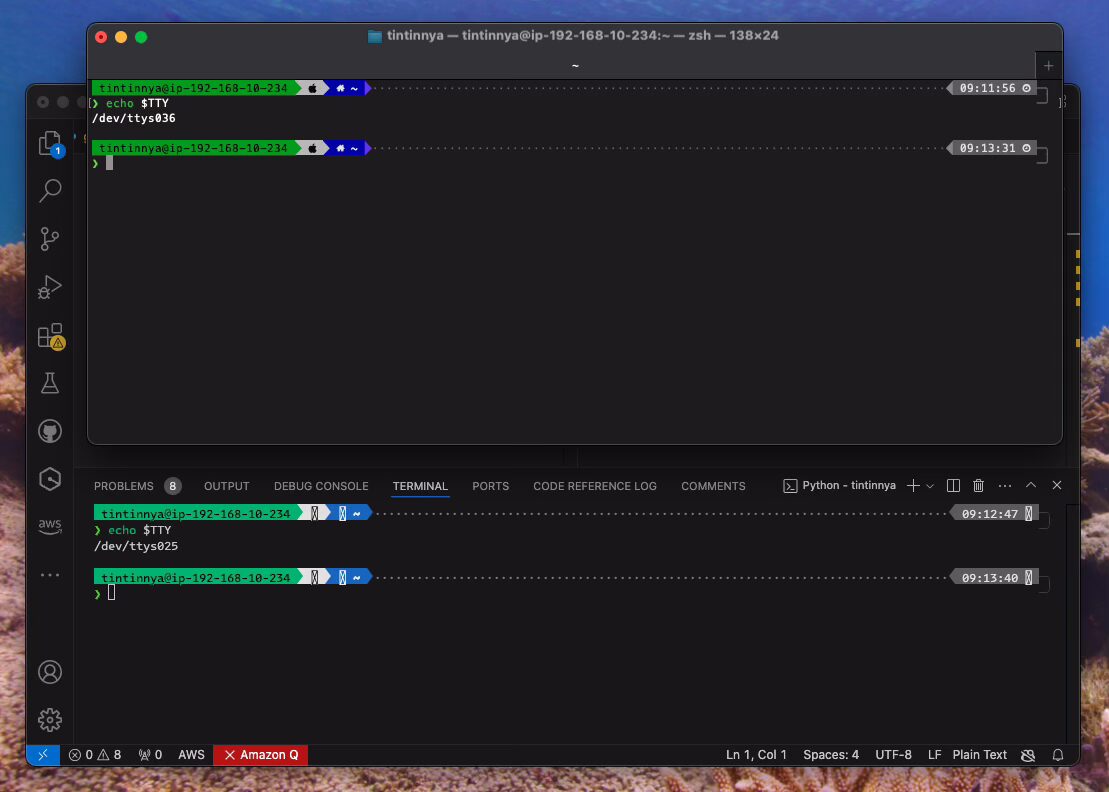
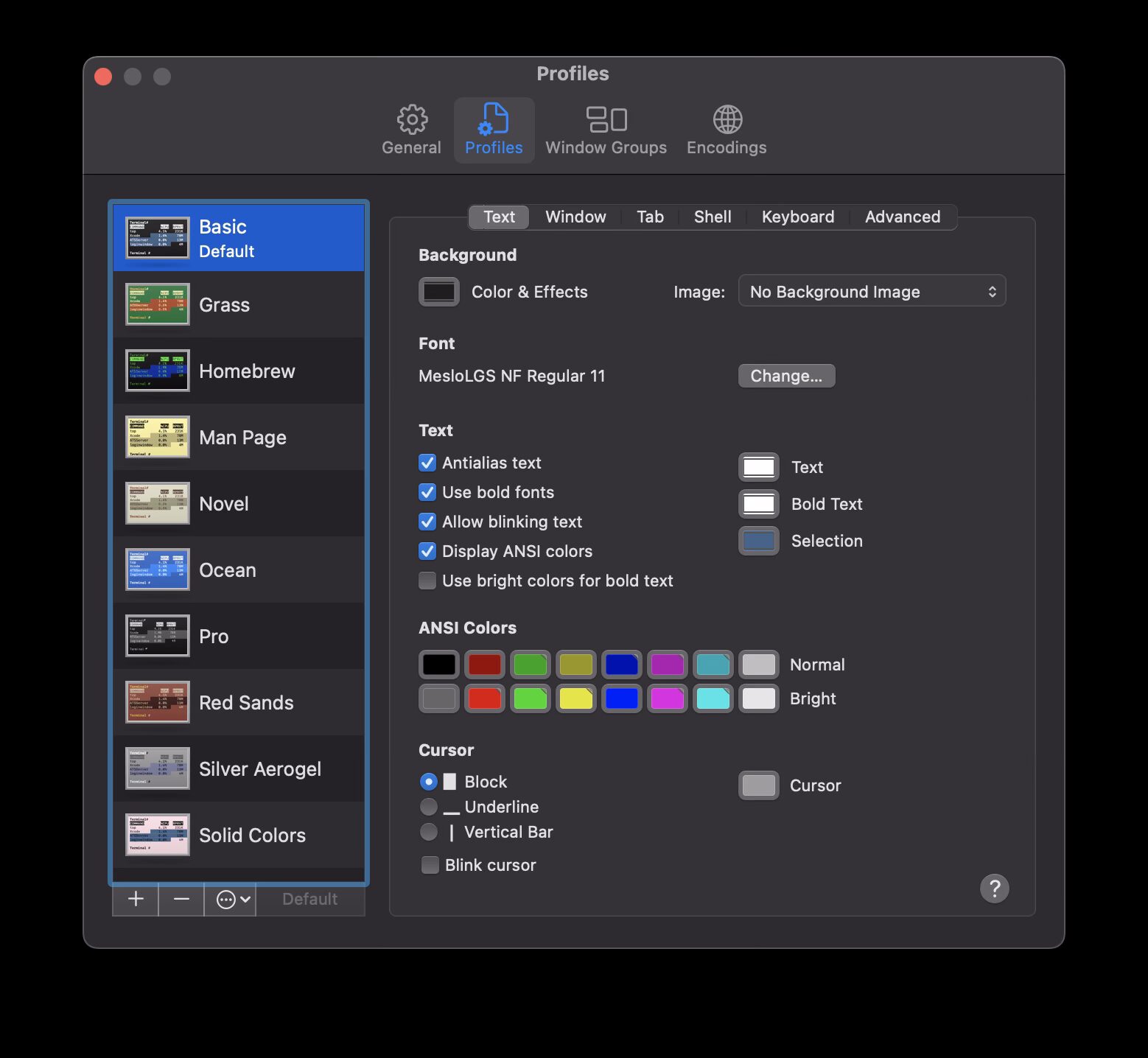
It seems that the font is not loaded properly for terminal in Visual Studio Code for macOS. So, I changed the font via User Settings (JSON). Before this, I checked my Terminal Preferences to know what is the Font Name being used in the terminal. It appears that I’m using MesloLGS NF Regular 11.

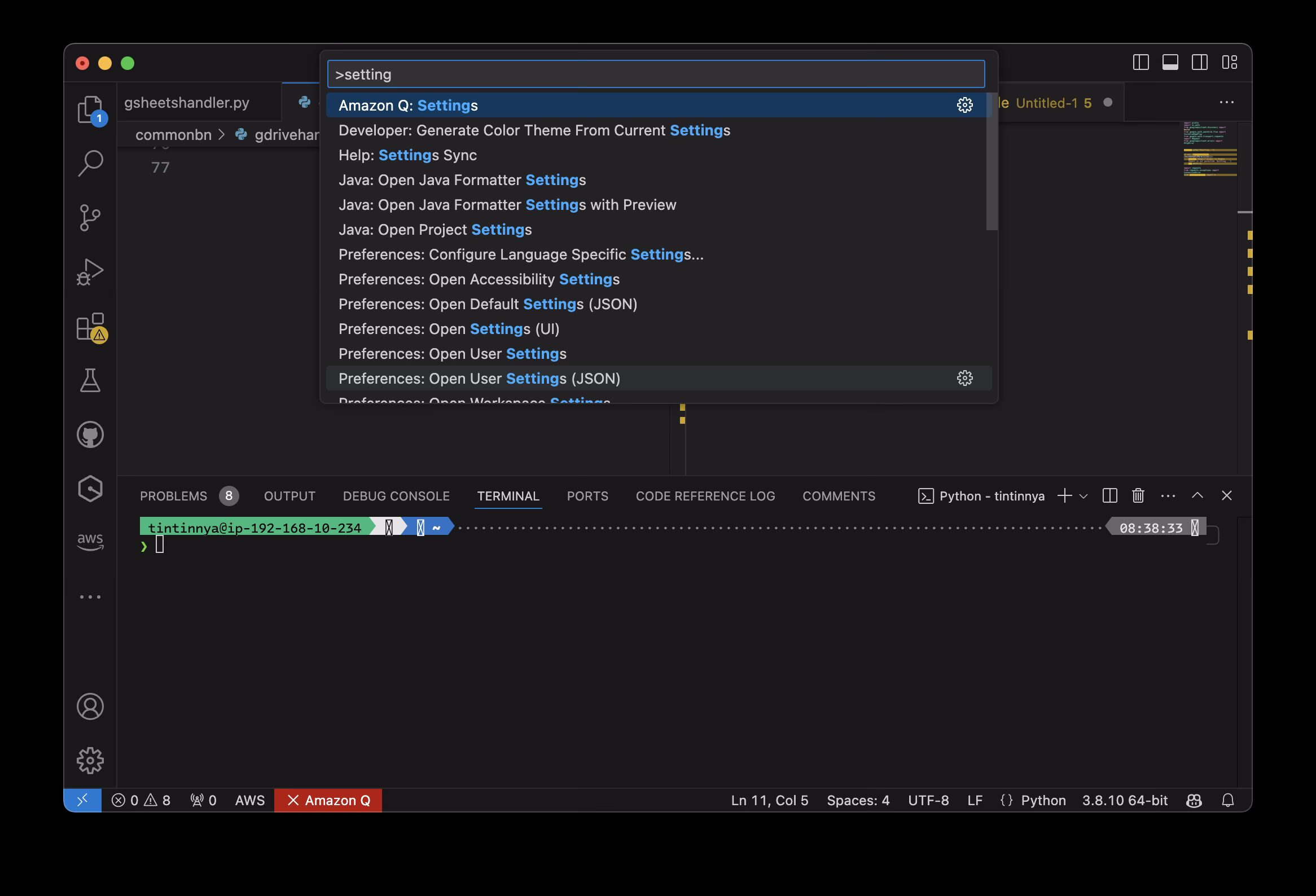
Change the font in the Visual Studio Code by open up the Settings, but not the Settings with UI since you need to search the relevant keys and update the values with UI-style. In this case, I’m using Settings JSON. Press command + shift + P, then type User Settings (JSON).

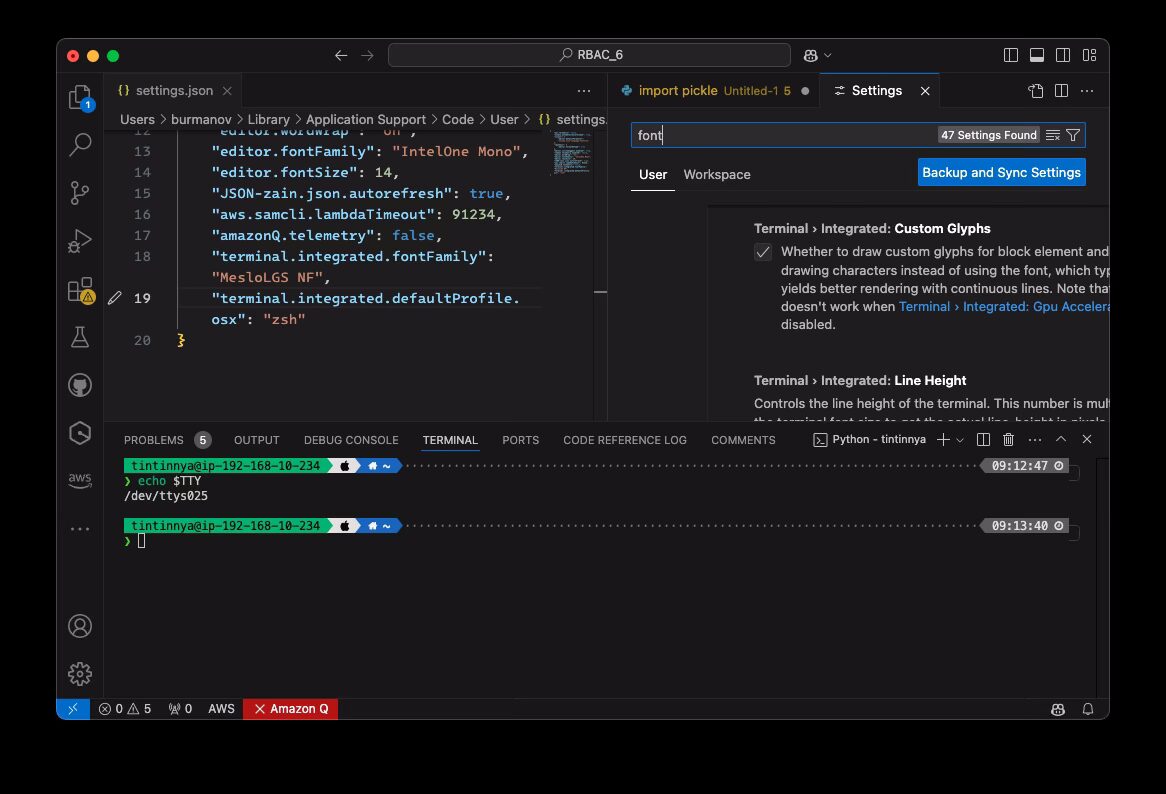
In the JSON file, add these two lines:
"terminal.integrated.fontFamily": "MesloLGS NF",
"terminal.integrated.defaultProfile.osx": "zsh",
After I saved the file, it directly showed the glyphs and matches with the existing configuration in my Terminal.app.

Notes on update September 16, 2026
This post was made for macOS version of Microsoft Visual Studio Code for macOS. But I also apply this configuration to my Microsoft Windows machine with WSL2. All steps above are similar, and to open the command palette, press ctrl + shift + P, then type User Settings (JSON).


And use these two lines:
"terminal.integrated.fontFamily": "MesloLGS NF",
"terminal.integrated.defaultProfile.windows": "zsh",

And, the final shell is…

