

Download the tarball
wget https://github.com/openssl/openssl/releases/download/openssl-3.5.9/openssl-3.5.9.tar.gz
tar -xzf openssl-3.5.9.tar.gz
cd openssl-3.5.9
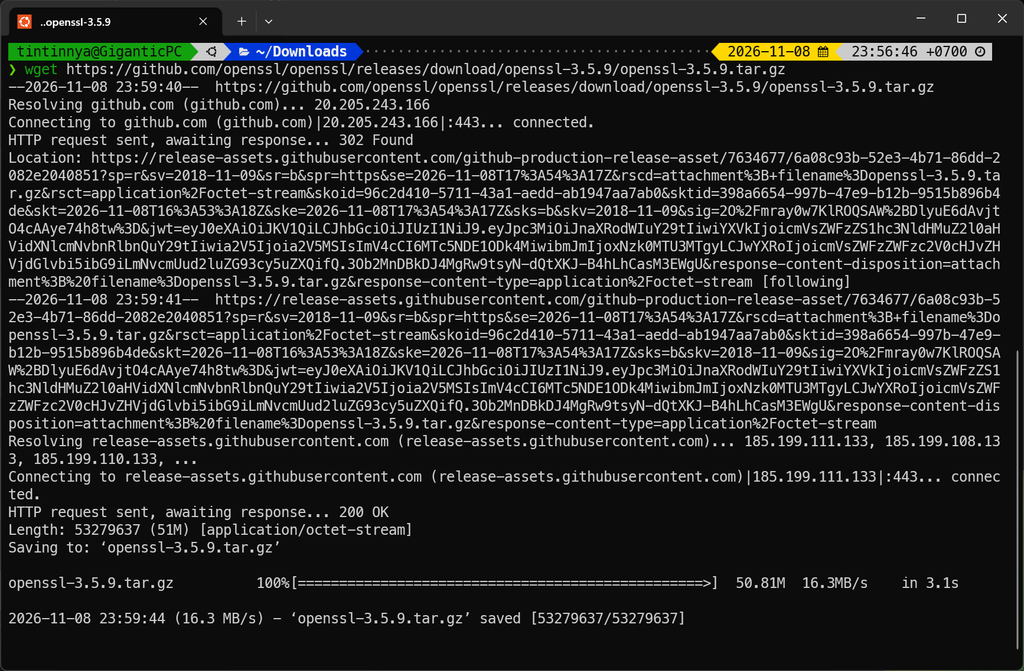
Check the prerequisite


Isolate it to not overwrite the original OpenSSL

Compile it
make -j16
make test


Then, make it.
sudo make install
The compiled result might be mixed up with the library form the Windows not inside the WSL2.


Hence, it needs to be patched using patchelf
patchelf --version
sudo patchelf \
  --set-rpath '$ORIGIN/../lib' \
  /opt/openssl-3.5.9/bin/openssl
ldd /opt/openssl-3.5.9/bin/openssl | grep -E 'ssl|crypto'
readelf -d /opt/openssl-3.5.9/bin/openssl | \
grep -E 'RPATH|RUNPATH'


Ok. Let’s verify it
/opt/openssl-3.5.9/bin/openssl version -a
/opt/openssl-3.5.9/bin/openssl version -d
/opt/openssl-3.5.9/bin/openssl version -m
/opt/openssl-3.5.9/bin/openssl info -configdir

make another name for it
sudo ln -s \
  /opt/openssl-3.5.9/bin/openssl \
  /usr/local/bin/openssl-pqc

Verify the algorithm ML-KEM and ML-DSA


Create the private key for the server
openssl-pqc req \
  -x509 \
  -newkey ec \
  -pkeyopt ec_paramgen_curve:P-256 \
  -nodes \
  -keyout ~/LocalAI/certs/llama.key \
  -out ~/LocalAI/certs/llama.crt \
  -days 365 \
  -subj "/CN=localhost"

 openssl-pqc x509 \
  -in ~/LocalAI/certs/llama.crt \
  -noout \
  -subject \
  -issuer \
  -dates

Start the llama-server with PQC support
llama-server \
  -m /mnt/e/GGUF/GLM-4.7-Flash-Q4_K_M.gguf \
  --host 127.0.0.1 \
  --port 8443 \
  --ssl-key-file ~/LocalAI/certs/llama.key \
  --ssl-cert-file ~/LocalAI/certs/llama.crt \
  -ngl 99 \
  -c 8192

and test it with openssl-pqc
openssl-pqc s_client \
  -connect 127.0.0.1:8443 \
  -servername localhost \
  -tls1_3 \
  -groups X25519MLKEM768 \
  -brief \
  </dev/null

openssl-pqc s_client \
  -connect 127.0.0.1:8443 \
  -servername localhost \
  -tls1_3 \
  -groups X25519 \
  -brief \
  </dev/null


Done. The WSL now has OpenSSL that supports PQC.